Graphical Assets Guidelines
When listing your product on blazium.games, you provide a thumbnail, a cover and gallery screenshots. These are displayed in different places on blazium.games.
Image rules
- Formats: PNG, JPEG, GIF or WebP. The format is read from the file itself, not its name.
- Size: each side must be between 512 and 2048 px.
- File size: up to 10 MB.
- Aspect ratio: the store shows every image at 16:9, so use 16:9 to avoid cropping.
Upload images on the game's edit page on the website, or with chauffeur media and the game's deploy key.
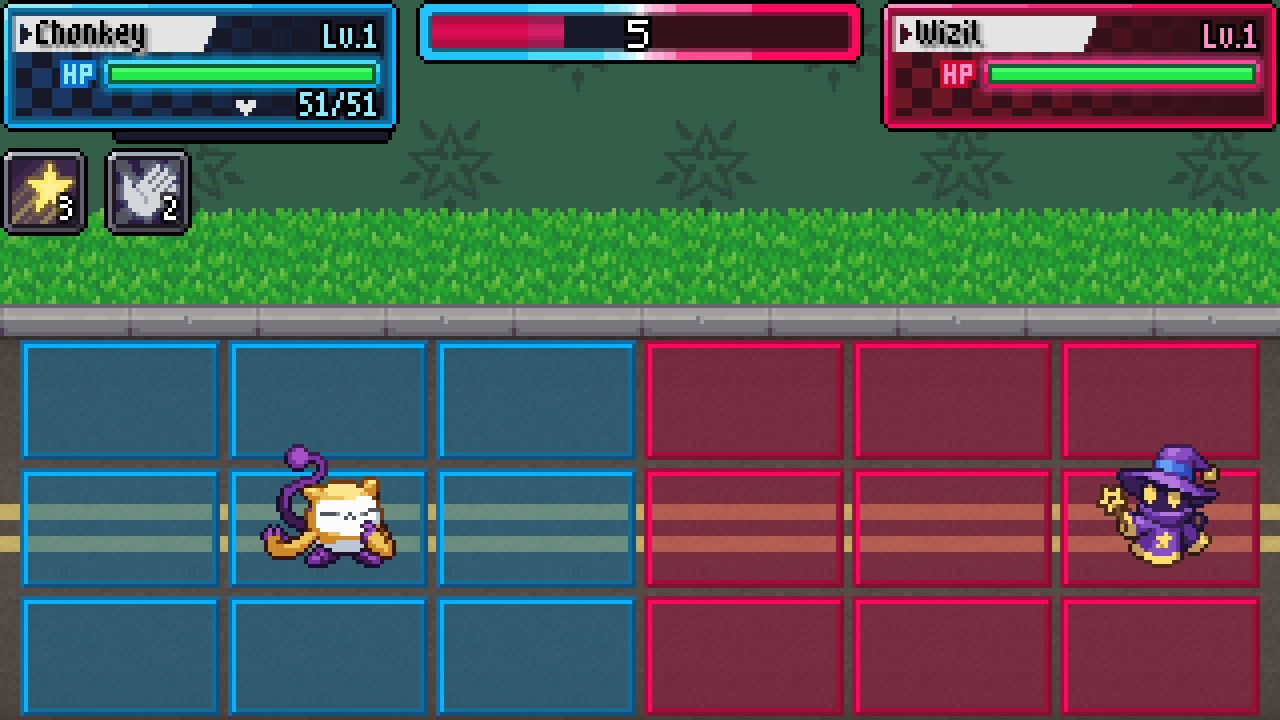
Thumbnail Image
- Size: 1280x720 recommended (16:9).
- Usage: Used when listing the product on the home page, browse page and similar pages.
- Design: For best results use the product's key art and logo.
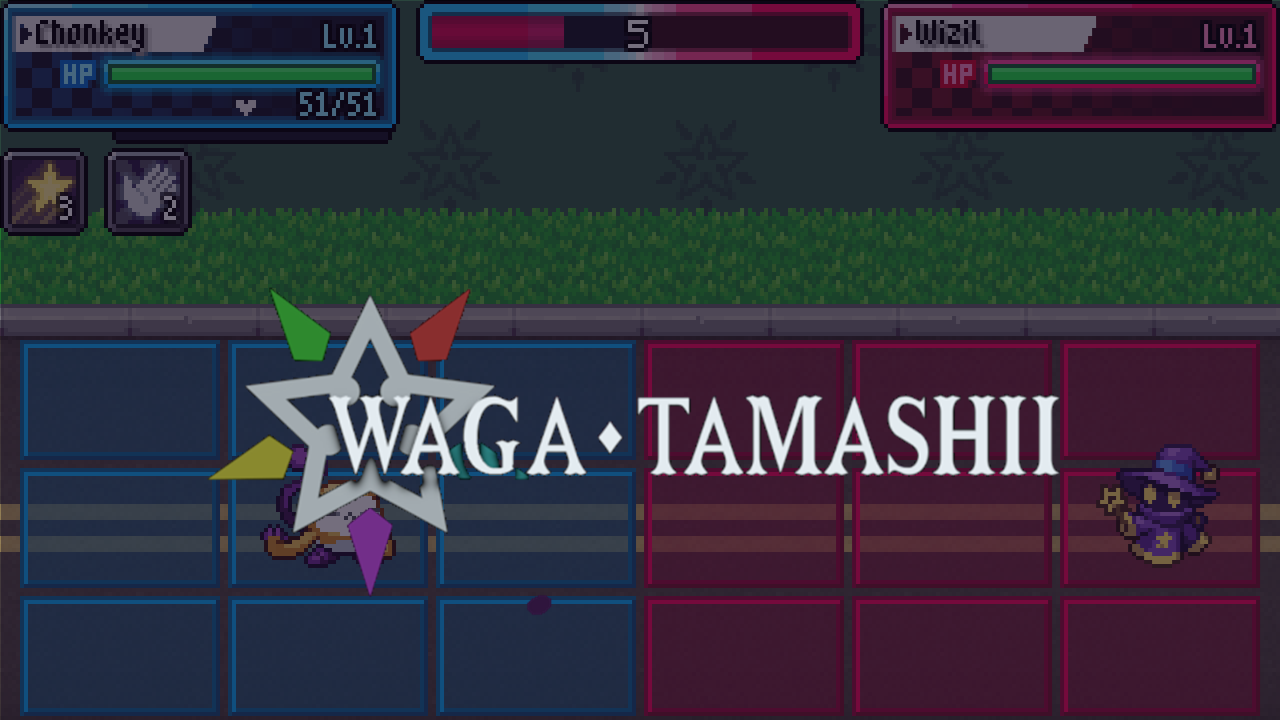
Cover Image
- Size: 1024x576 recommended (16:9).
- Usage: Used in the product page side bar.
- Design: The product's logo should be easily legible even at smaller sizes.
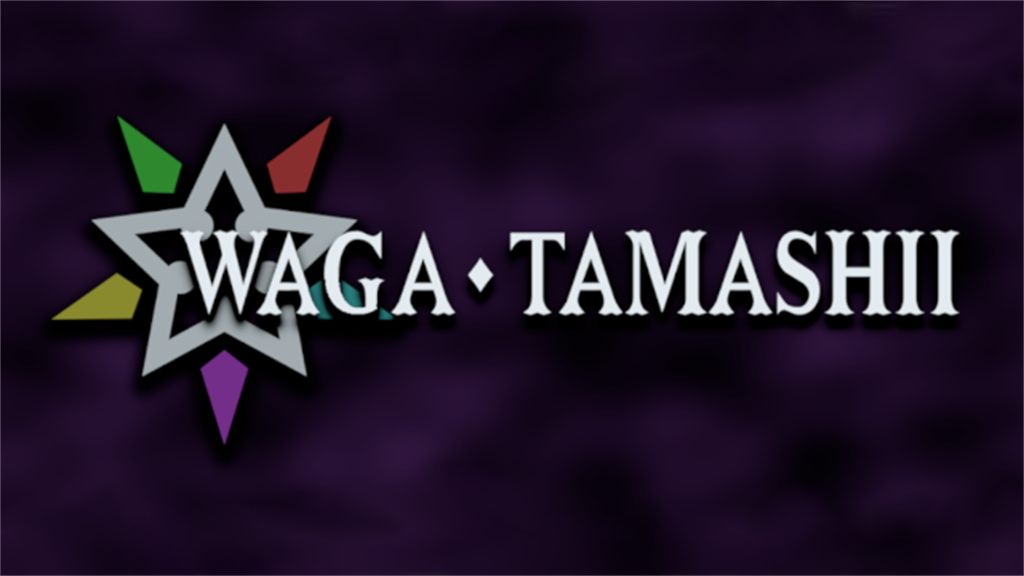
Screenshots Images
- Size: 1920x1080 recommended (16:9). Larger images are rejected, so scale 4K captures down to 2048 px wide or less.
- Usage: Screenshots are displayed on your store page. You must provide at least 4 screenshots of your product.
- Design: Screenshots should exclusively show the usage of the product (gameplay, tool or asset being used).