Integer to Float Node
The Integer to Float node converts an integer value to a floating-point number.
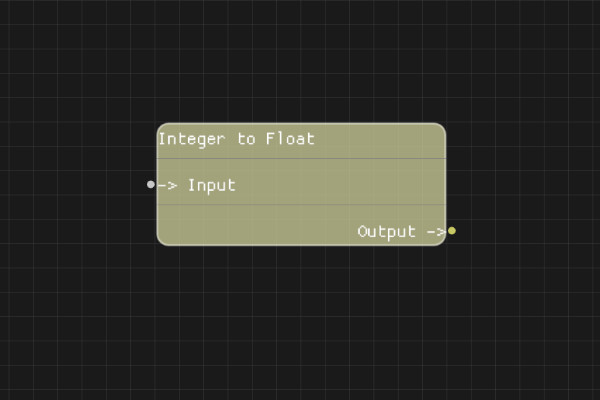
Description
The Integer to Float node converts an integer value to its floating-point representation (e.g., 42 becomes 42.0).
Execution Inputs
None (data node, no execution flow)
Variable Inputs
- Input (integer): The integer to convert to a floating-point number
Execution Outputs
None (data node, no execution flow)
Variable Outputs
- Output (number): The floating-point representation of the input integer
Special Notes
- If the input cannot be parsed as an integer, the result defaults to "0.0"
- The conversion preserves the numeric value but changes the type (e.g., 5 becomes 5.0)
- This node doesn't have execution pins - it's a pure data node
Example Usage
Convert integer values to floating-point numbers for operations requiring decimal precision. Connect an integer output to the Input, then use the Output in nodes that require number input, such as Math nodes that work with floating-point values.
Flow Download Example
Placeholder for flow download example
Additional Pictures
Placeholder for additional node images and examples