Git Init Node
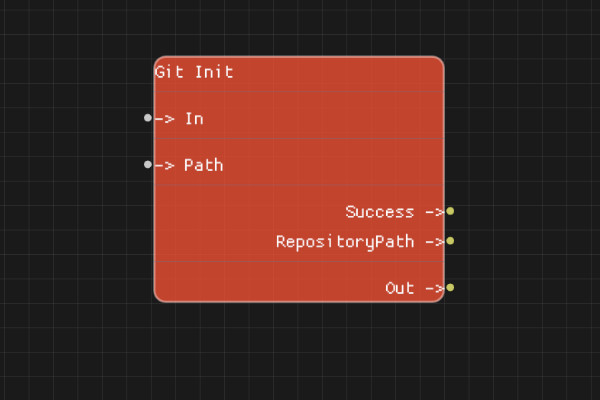
The Git Init node initializes a new Git repository at the specified path.
Description
The Git Init node creates a new Git repository at the specified path. If the directory doesn't exist, it will be created. The repository is initialized with a default configuration.
Execution Inputs
- In (execution): Triggers the repository initialization
Variable Inputs
- Path (string): The path where the Git repository should be initialized
Execution Outputs
- Out (execution): Execution continues here after initialization completes
Variable Outputs
- Success (boolean): "true" if the repository was successfully initialized, "false" otherwise
- RepositoryPath (string): The path to the initialized repository
Special Notes
- The Path directory will be created if it doesn't exist
- If a repository already exists at the path, the operation will fail
- The repository is initialized with standard Git configuration
- Paths are relative to the flow's working directory if not absolute
Example Usage
Initialize a new Git repository:
- Set Path to "my-project" or an absolute path
- Connect In to start the initialization
- Check Success output to verify the repository was created
- Use RepositoryPath output for subsequent Git operations
Flow Download Example
Placeholder for flow download example
Additional Pictures
Placeholder for additional node images and examples