Git Pull Node
The Git Pull node pulls changes from a remote repository and merges them into the current branch.
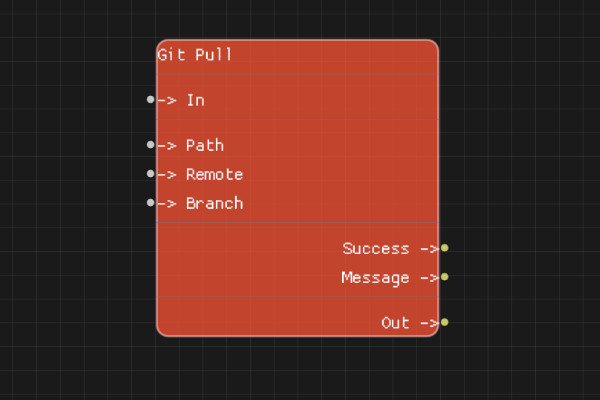
Description
The Git Pull node fetches changes from the specified remote repository and merges them into the current branch. This is equivalent to running git fetch followed by git merge.
Execution Inputs
- In (execution): Triggers the pull operation
Variable Inputs
- Path (string, optional): Path to the repository. If empty, uses the flow's directory
- Remote (string, optional): Name of the remote to pull from (default: "origin")
- Branch (string, optional): Branch to pull (default: "main")
Execution Outputs
- Out (execution): Execution continues here after the pull completes
Variable Outputs
- Success (boolean): "true" if the pull succeeded, "false" otherwise
- Message (string): Status message from the pull operation
Special Notes
- The repository must already exist and be initialized
- If the repository is already up to date, Success will be "true" with message "Already up to date"
- Merge conflicts will cause the operation to fail
- The node handles fast-forward and normal merges automatically
- Path is relative to the flow's working directory if not absolute
Example Usage
Pull latest changes from origin:
- Set Path to the repository path (or leave empty for flow directory)
- Set Remote to "origin" (or leave as default)
- Set Branch to "main" (or leave as default)
- Connect In to start the pull
- Check Success and Message outputs for results
Flow Download Example
Placeholder for flow download example
Additional Pictures
Placeholder for additional node images and examples