Git Add Folder Node
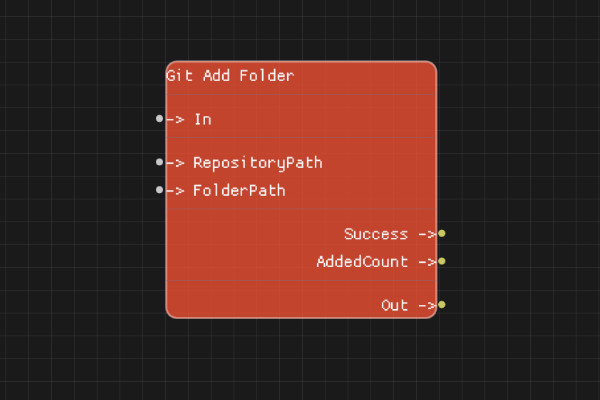
The Git Add Folder node adds all files in a folder to the Git staging area.
Description
The Git Add Folder node stages all files in the specified folder (and subfolders) for commit. The folder path is relative to the repository root.
Execution Inputs
- In (execution): Triggers adding the folder contents to staging
Variable Inputs
- RepositoryPath (string): Path to the Git repository
- FolderPath (string): Path to the folder to add (relative to repository root)
Execution Outputs
- Out (execution): Execution continues here after the folder is added
Variable Outputs
- Success (boolean): "true" if the folder was successfully added, "false" otherwise
- AddedCount (integer): Number of files successfully added from the folder
Special Notes
- The folder path is relative to the repository root
- All files in the folder and subfolders will be staged
- If the folder doesn't exist, the operation will fail
- AddedCount indicates how many files were added
- RepositoryPath must point to a valid Git repository
Example Usage
Add a folder to staging:
- Set RepositoryPath to the repository path
- Set FolderPath to "src" (relative to repo root)
- Connect In to add the folder
- Check Success and AddedCount outputs
Flow Download Example
Placeholder for flow download example
Additional Pictures
Placeholder for additional node images and examples