Round (Float) Node
The Round (Float) node rounds a floating-point number to the nearest integer, keeping it as a float.
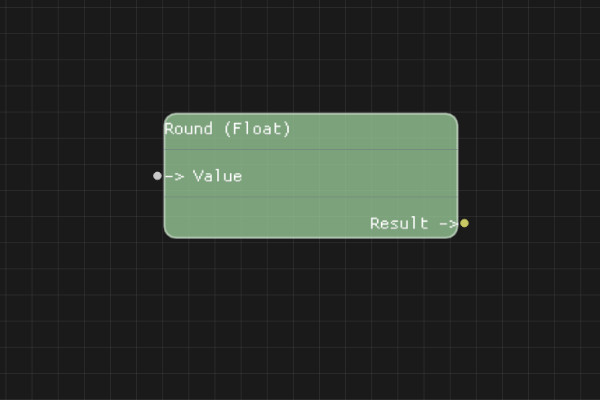
Description
The Round (Float) node rounds a floating-point value to the nearest integer but returns the result as a floating-point number (e.g., 3.7 becomes 4.0).
Execution Inputs
None (data node, no execution flow)
Variable Inputs
- Value (number): The floating-point number to round
Execution Outputs
None (data node, no execution flow)
Variable Outputs
- Result (number): The nearest integer to the input value, as a floating-point number
Special Notes
- If the input cannot be parsed as a number, the result defaults to "0.0"
- Uses standard rounding (0.5 rounds up)
- Returns a floating-point number (e.g., 4.0 instead of 4)
- This node doesn't have execution pins - it's a pure data node
Example Usage
Round floating-point numbers while maintaining float precision for downstream calculations. Connect a number output to the Value input, then use the Result output in other calculations or comparisons that require floating-point values.
Flow Download Example
Placeholder for flow download example
Additional Pictures
Placeholder for additional node images and examples