Export Conversation Node
The Export Conversation node exports a conversation to JSON format, including all messages and metadata.
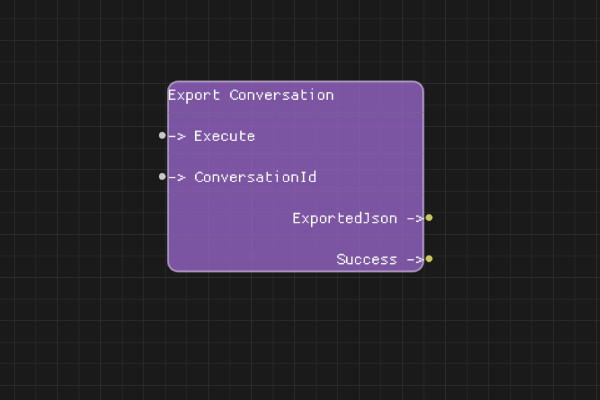
Description
The Export Conversation node serializes a conversation to JSON format. The exported JSON includes all messages, the system message, conversation metadata, and can be used to restore the conversation later using Import Conversation node.
Execution Inputs
- Execute (execution): Triggers exporting the conversation
Variable Inputs
- ConversationId (string): The conversation ID to export
Execution Outputs
- Success (execution): Execution continues here if conversation was successfully exported
Variable Outputs
- ExportedJson (string): JSON string containing the complete conversation data
Special Notes
- The conversation must exist
- The exported JSON can be saved to a file or used with Import Conversation node
- The JSON format includes all messages, system message, and conversation metadata
- Exported conversations can be imported on different sessions or systems
Example Usage
Export a conversation to save it:
- Connect ConversationId from Create Conversation node
- Connect Execute to export
- Use ExportedJson output with Save To Text File node to save to disk
- Or use ExportedJson with Import Conversation node in another flow
Flow Download Example
Placeholder for flow download example
Additional Pictures
Placeholder for additional node images and examples